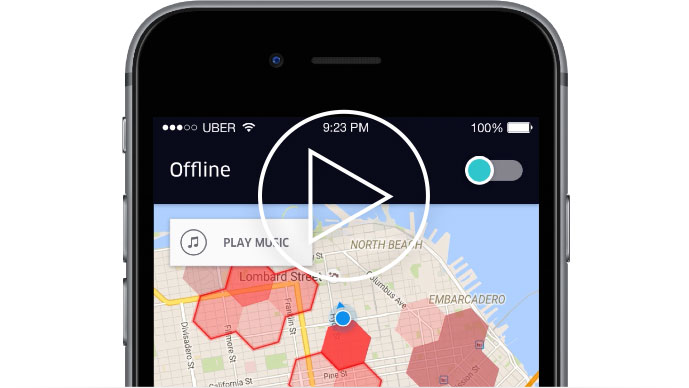
Uber drivers can now play ad-free music through the Uber partner app with Pandora.* Whether you're on or off trip, your favorite music is just a tap away.
Connect and Play
1. Connect your phone to your car’s Bluetooth or AUX and set the stereo as needed.
2. Tap “Play Music” in the top left corner of the Uber map.
3. Adjust the volume of your stereo and your phone to a comfortable level.
Learn more at uber.com/Pandora
*Standard data rates may apply. Music is ad-free through 12/28/2016 or while supplies last. Visit uber.com/Pandora for more details.