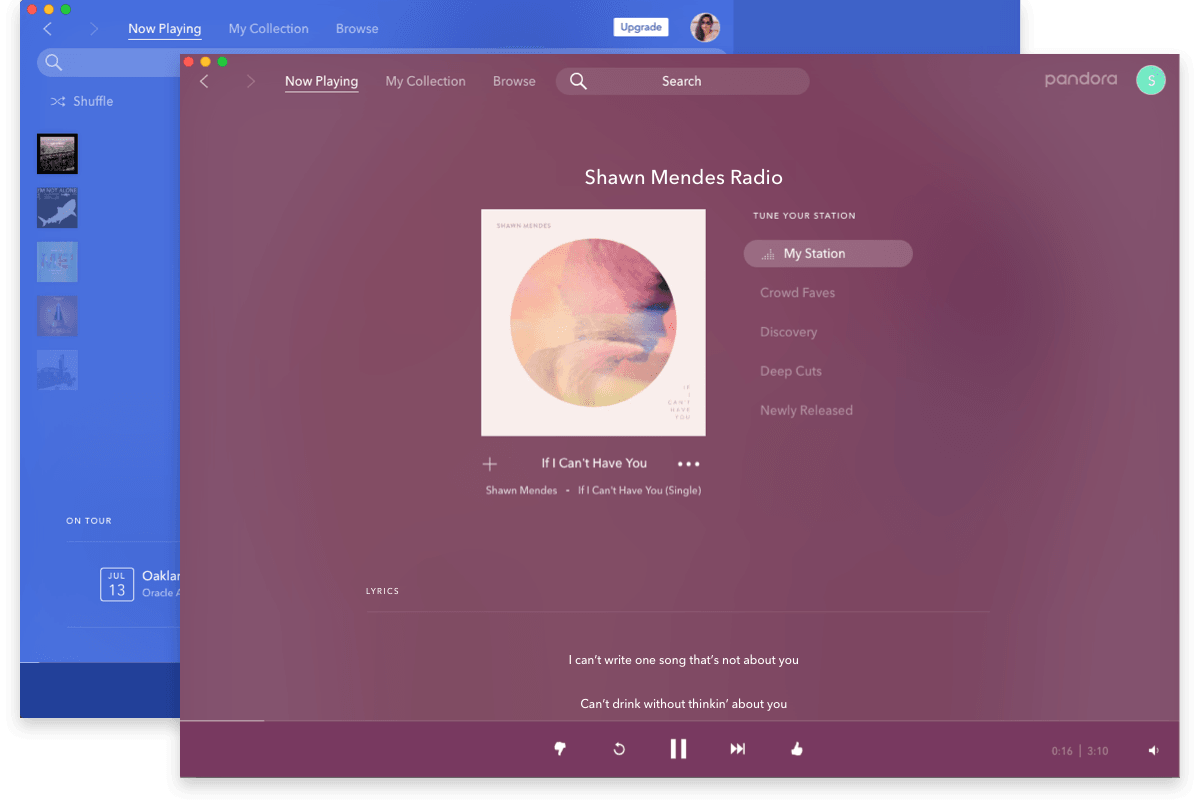
Pandora Desktop (Beta)
With the Pandora Desktop Application, you can play your Pandora stations right from your desktop – without opening a new browser window.
- Easily see what's playing with one click from your tooltray/dock
- Conveniently pause, play and change stations
- Quick start to begin listening to Pandora
Install Pandora Desktop
Or, if you prefer...
Manual Installation
Step 1 Download and install Adobe AIR
Step 2 Download and install Pandora Desktop
Step 2
Download and install the latest Pandora Desktop
Pandora for Windows
Installs an icon in your task bar.
Simply right-click the icon to see the Pandora menu.
Play/pause, change stations, create new stations, and access the full Pandora application.
Pandora for Mac
Places the Pandora Application in your dock.
Control-click to see the Pandora menu.
Play/pause, change stations, create new stations, and access the full Pandora application.